Bevor Sie beginnen
- Images readable by the Android image workflow
- HEIC input when supported by the device decoder
1Select one or more source images.
2Choose compression, resize, or format conversion.
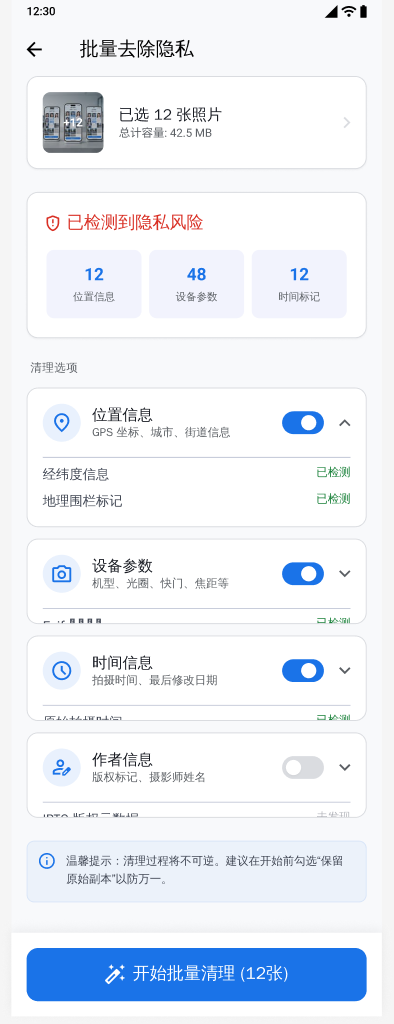
3Configure size, dimensions, output format, quality, and metadata settings.
4Run processing and review the output.
5Save the verified result.
Wichtige Hinweise
- JPG does not preserve transparent pixels; transparent input is flattened during JPG conversion.
- Available decoding support can vary by Android device and source format.