
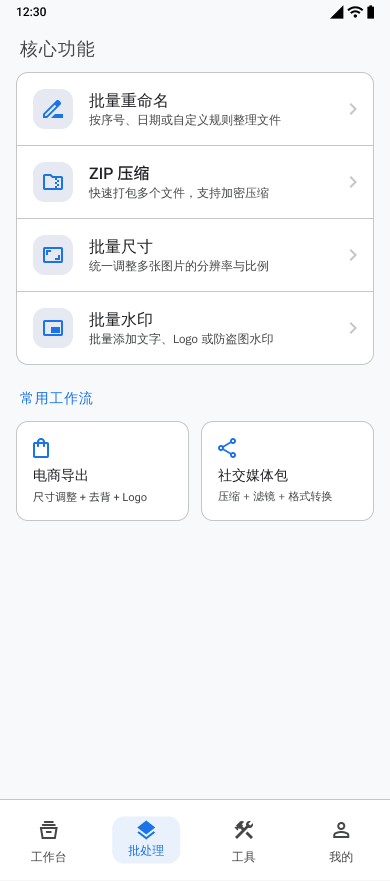
Applying the same edits one photo at a time is slow and makes output settings inconsistent.
Qué puedes hacer con esta función
- Select multiple images for one processing task.
- Combine compression, resizing, watermarking, color enhancement, and format conversion steps.
- Review successful and failed results before saving.
- Reuse processing templates and inspect recent task history.
Cómo encaja en el flujo
- Select the images for the batch.
- Add and configure the required processing steps.
- Choose export format and filename settings.
- Run the task and monitor progress.
- Review results, then save the completed images.
Qué revisar antes de exportar
- Processing step order
- Output format and quality
- Filename prefix
- EXIF retention when the selected operations permit it
Aspectos importantes
- Operations that re-encode an image can prevent EXIF preservation.
- Processing time and storage use depend on the number, size, and format of the selected images.