
Fonction vérifiée
Flux par lots
Organisez les opérations sur plusieurs photos et suivez la progression des tâches.
Le problème résolu: Applying the same edits one photo at a time is slow and makes output settings inconsistent.
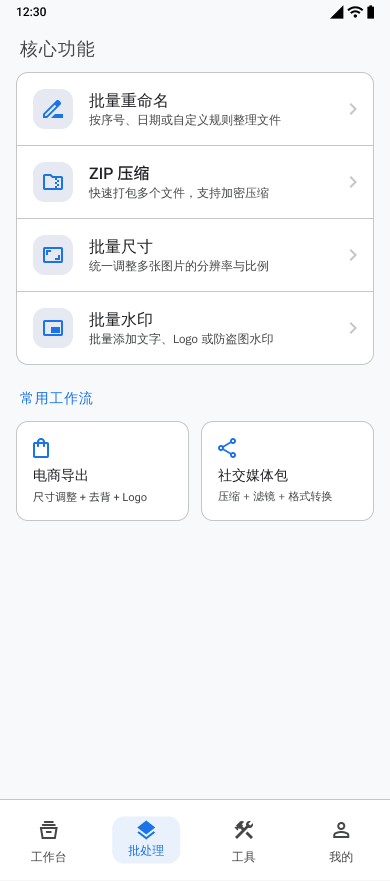
Ce que vous pouvez faire
- Select multiple images for one processing task.
- Combine compression, resizing, watermarking, color enhancement, and format conversion steps.
- Review successful and failed results before saving.
- Reuse processing templates and inspect recent task history.
Options disponibles
- Processing step order
- Output format and quality
- Filename prefix
- EXIF retention when the selected operations permit it
Entrées prises en charge
- Images selected through Android system pickers
Résultats
- Processed images saved to Pictures/Batch Photo
Flux de travail
- Select the images for the batch.
- Add and configure the required processing steps.
- Choose export format and filename settings.
- Run the task and monitor progress.
- Review results, then save the completed images.
Limites
- Operations that re-encode an image can prevent EXIF preservation.
- Processing time and storage use depend on the number, size, and format of the selected images.
Questions fréquentes
Can several operations run in one batch?
Yes. The batch workflow can combine supported steps such as compression, resizing, watermarking, color enhancement, and format conversion.
Can I check results before saving?
Yes. Completed results and failures are shown for review before the successful images are saved.
Éléments du projet
feature/feature_app/src/main/java/com/wkq/photo/feature/app/batch/BatchFragment.ktfeature/feature_app/src/main/res/values/feature_page_strings.xml