
検証済みの機能
一括処理ワークフロー
複数の写真をまとめて処理し、タスクの進行状況を確認します。
解決できる問題: Applying the same edits one photo at a time is slow and makes output settings inconsistent.
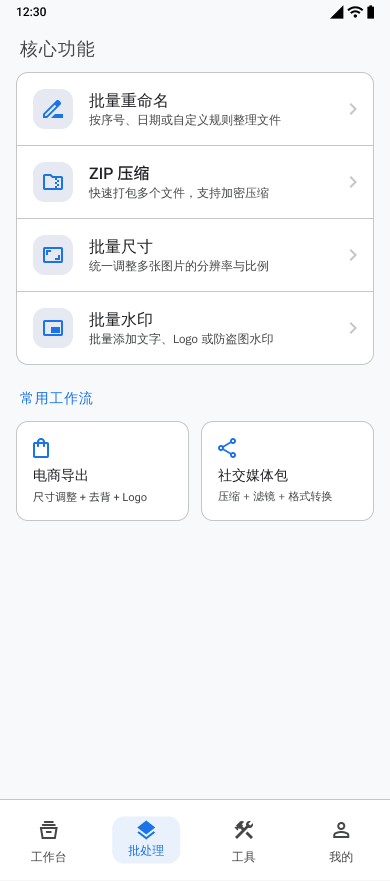
できること
- Select multiple images for one processing task.
- Combine compression, resizing, watermarking, color enhancement, and format conversion steps.
- Review successful and failed results before saving.
- Reuse processing templates and inspect recent task history.
設定できる項目
- Processing step order
- Output format and quality
- Filename prefix
- EXIF retention when the selected operations permit it
対応する入力
- Images selected through Android system pickers
出力
- Processed images saved to Pictures/Batch Photo
ワークフロー
- Select the images for the batch.
- Add and configure the required processing steps.
- Choose export format and filename settings.
- Run the task and monitor progress.
- Review results, then save the completed images.
制限事項
- Operations that re-encode an image can prevent EXIF preservation.
- Processing time and storage use depend on the number, size, and format of the selected images.
よくある質問
Can several operations run in one batch?
Yes. The batch workflow can combine supported steps such as compression, resizing, watermarking, color enhancement, and format conversion.
Can I check results before saving?
Yes. Completed results and failures are shown for review before the successful images are saved.
プロジェクトの根拠
feature/feature_app/src/main/java/com/wkq/photo/feature/app/batch/BatchFragment.ktfeature/feature_app/src/main/res/values/feature_page_strings.xml