Tutorial
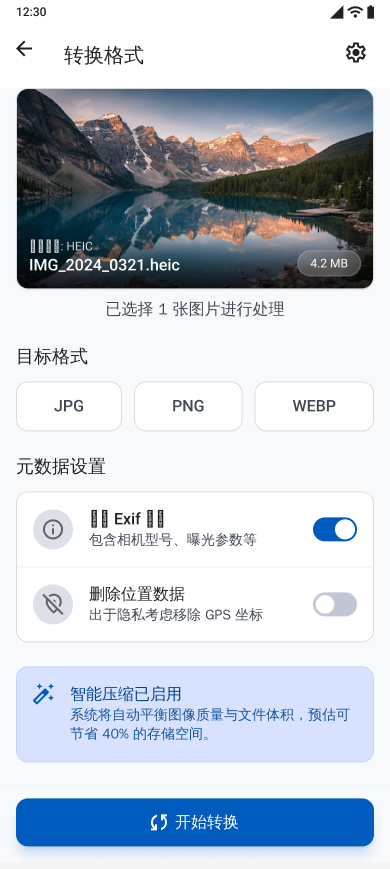
How to use Compress, resize, and convert in Batch Photo
Configure file size, dimensions, aspect ratios, and JPG, PNG, or WebP output. Learn the exact problem, options, verified steps, and known limitations.
 Batch Photo
Batch Photo
Practical workflows, use cases, and limitations based on capabilities verified in the current app.
Feature guide
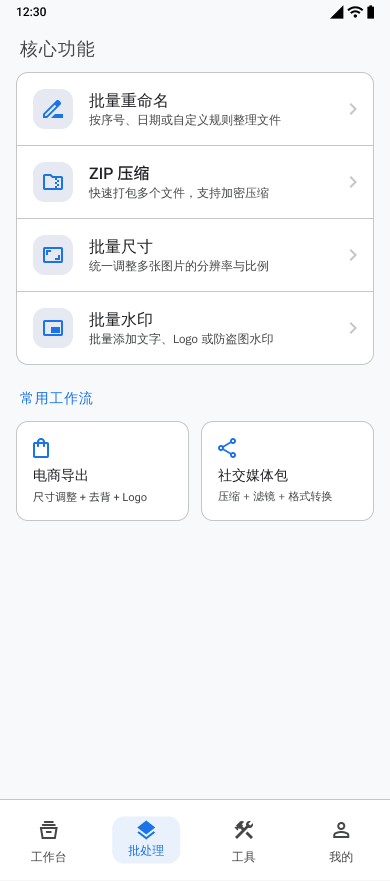
Organize operations for multiple photos and keep task progress visible. Learn the exact problem, options, verified steps, and known limitations.
Read articleStart with a task and see how each tool fits into a complete processing workflow.
Tutorial
Configure file size, dimensions, aspect ratios, and JPG, PNG, or WebP output. Learn the exact problem, options, verified steps, and known limitations.
Tutorial
Add text or logo watermarks, control placement and appearance, and preview the result before export. Learn the exact problem, options, verified steps, and known limitations.
Tutorial
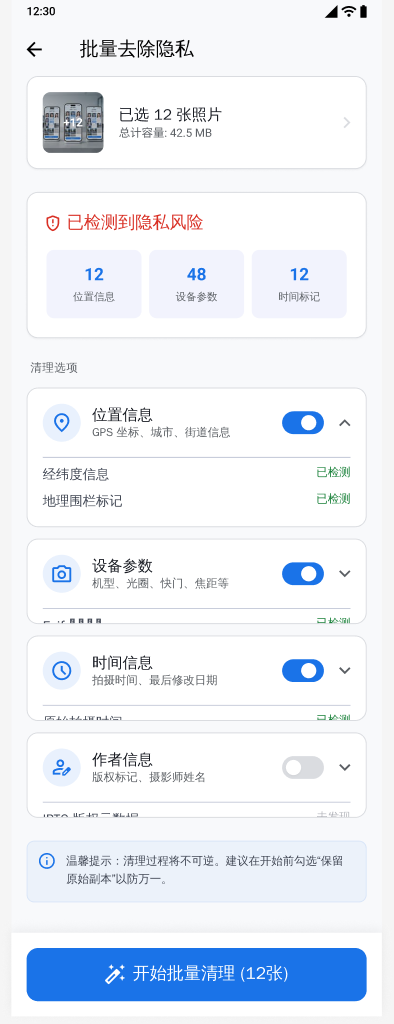
Inspect and remove location, device, time, author, and EXIF metadata before export. Learn the exact problem, options, verified steps, and known limitations.
Feature guide
Detect or manually mark sensitive regions and hide them with blur, pixelation, or a solid cover. Learn the exact problem, options, verified steps, and known limitations.
Tutorial
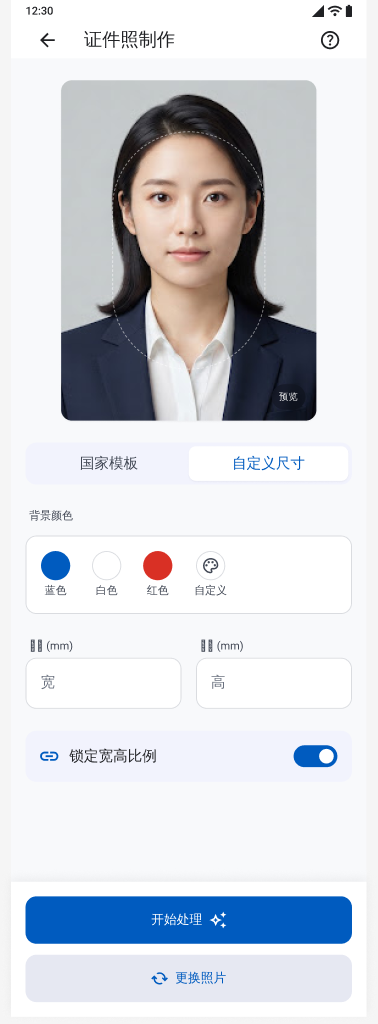
Prepare portraits with selectable backgrounds, custom dimensions, and print layouts. Learn the exact problem, options, verified steps, and known limitations.
Feature guide
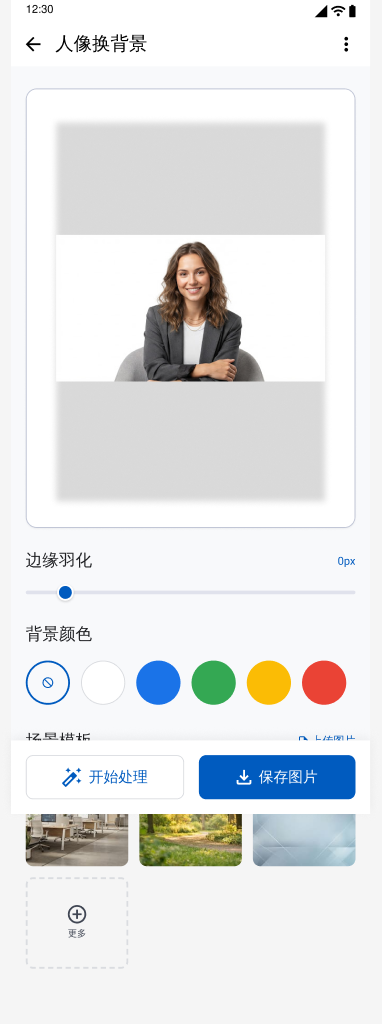
Detect a portrait subject on the device and replace the surrounding background. Learn the exact problem, options, verified steps, and known limitations.
Feature guide
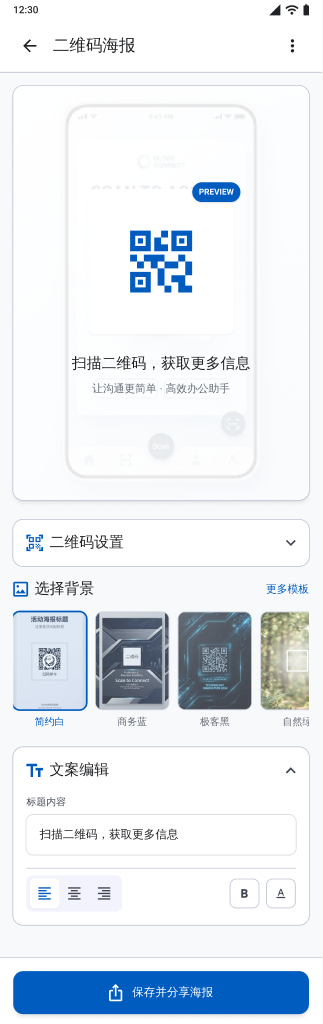
Create, scan, customize, and export QR codes and poster layouts. Learn the exact problem, options, verified steps, and known limitations.
Feature guide
Rename groups of files, package selected photos into ZIP archives, or combine images into a PDF. Learn the exact problem, options, verified steps, and known limitations.
Tutorial
Pair two nearby Android phones with a short-lived QR code and transfer selected files directly without a developer cloud upload. Learn the exact problem, options, verified steps, and known limitations.